Locked for iPhone and iPad
Photos, videos, files and notes. Encrypted before they are saved.
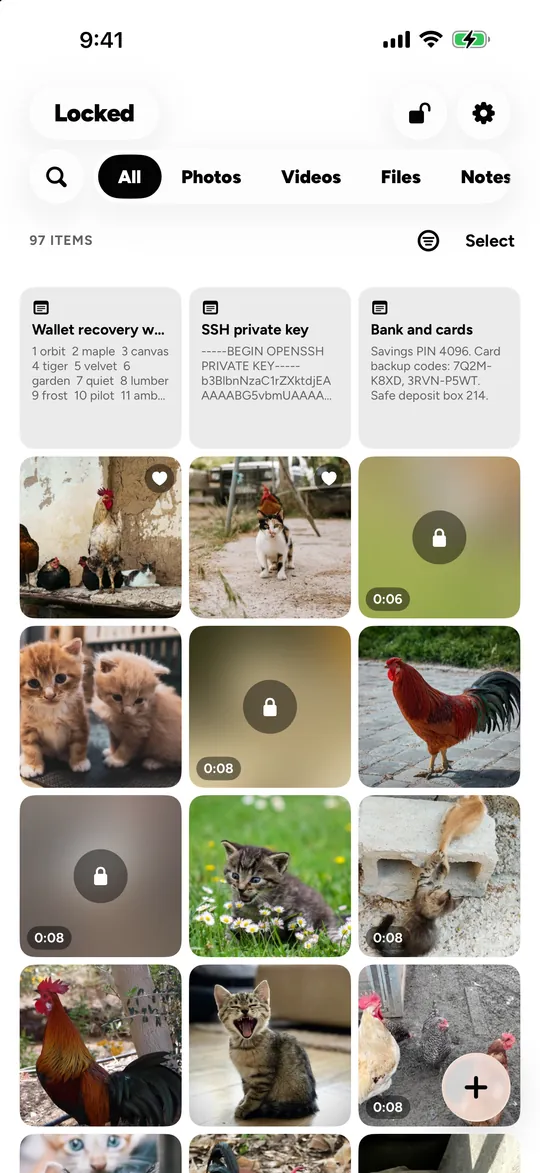
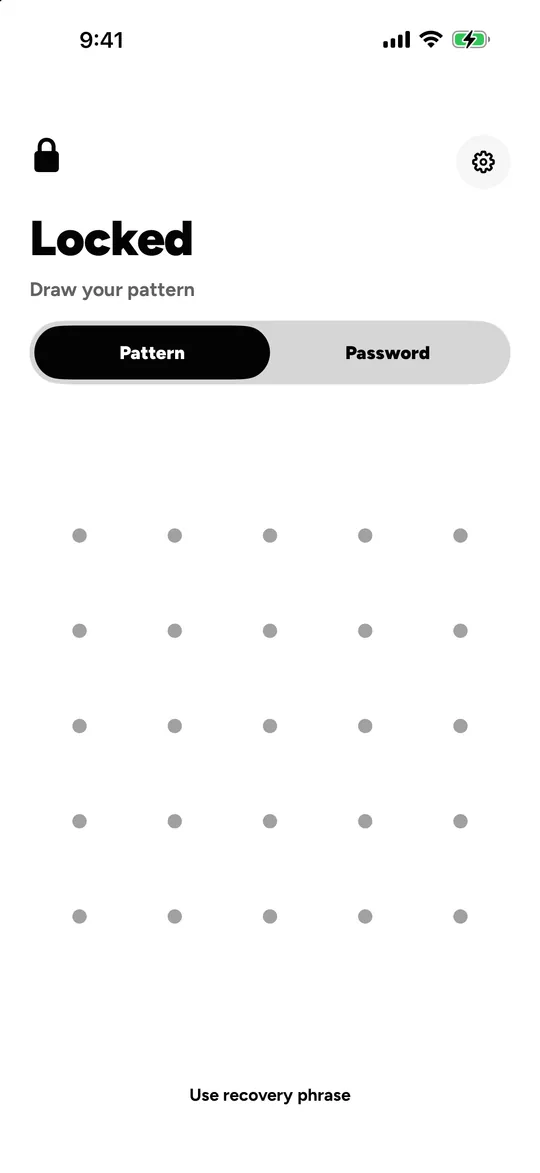
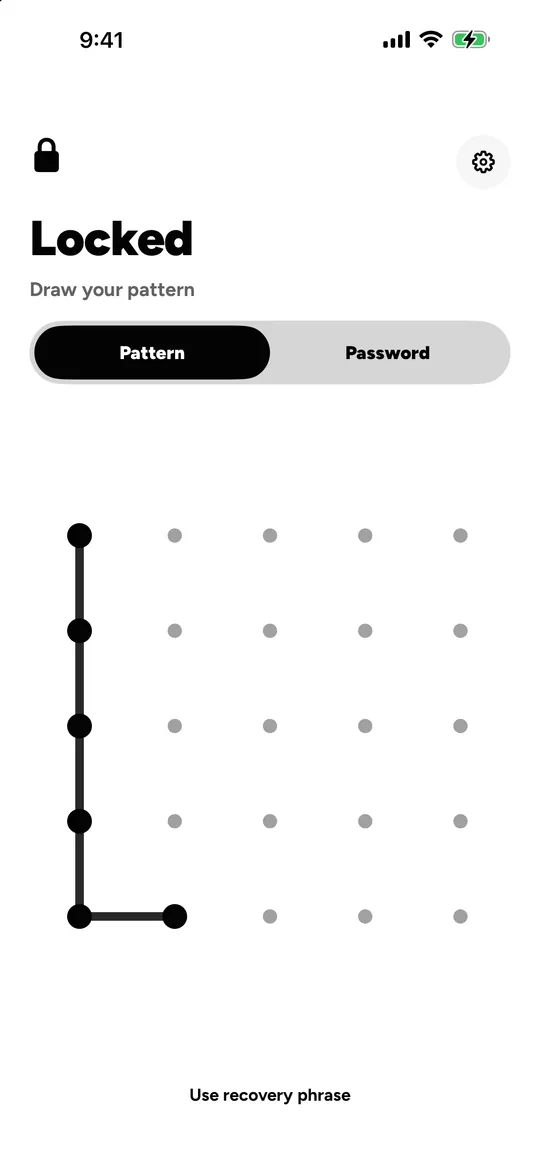
Draw a pattern or type a password and your vault opens. Draw a different one and a different vault opens. Everything inside is encrypted on the device, and there is no account to create.
- No account
- No tracking
- Encrypted on device
Hidden is not encrypted
Is the iPhone Hidden album encrypted?
Not on its own. The Hidden album moves photos out of your library view and puts a lock in front of them. It does not encrypt them separately, and the lock is the same one that opens the phone.
| Question | Hidden album | Locked |
|---|---|---|
| What opens it | Face ID, Touch ID or the iPhone passcode, and that lock can be switched off in Settings. | Only that vault’s pattern or password, which is separate from your iPhone passcode. |
| Encryption | None of its own. Hidden photos have the same protection as every other photo on the iPhone. | Each file and thumbnail is encrypted with its own random 256-bit key (AES-256-GCM) before it is saved. |
| In iCloud | Synced by iCloud Photos. Apple holds the keys unless you turn on Advanced Data Protection, which is off by default. | Nothing leaves the device unless you turn on iCloud Sync (Pro). Then only encrypted files go to your own iCloud Drive. |
Checked 14 November 2026 against Apple’s Hidden album guide and iCloud data security overview.
What you can keep
What can you keep in Locked?
-
Photos and videos
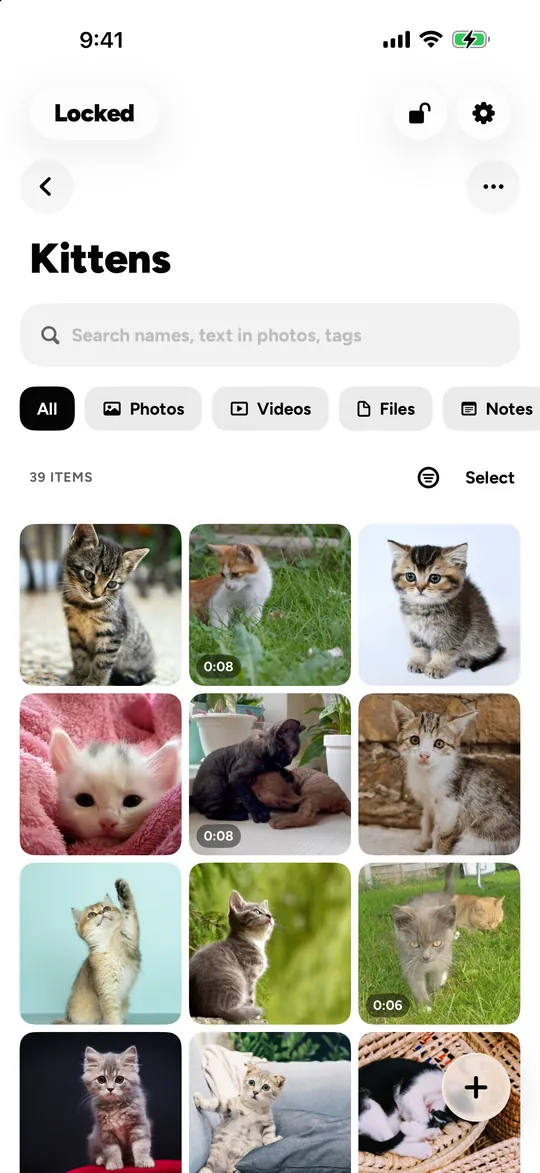
Import from Photos, Files or the camera. Location data is removed on import. Sort into albums, tag them, mark favourites.
-
Files
Any type: PDFs, scans of documents, exports, archives. They open inside Locked and nowhere else.
-
Notes
Recovery words, account details, anything you would not put in a regular notes app. Encrypted like the rest.
-
Search, on the device
Find the text in your photos, receipts and scans. It is read on the device, not on a server. Scene labels are English only.
How it is protected
How does Locked protect your files?
- 01
Your secret becomes a key
The pattern or password is stretched with Argon2id (3 passes over 64 MiB), then put through HKDF-SHA256 with a secret held in this device’s Secure Enclave.
- 02
Every file gets its own key
A random 256-bit key for each file and each thumbnail. Contents are encrypted with AES-256-GCM in chunks, padded so sizes give little away, and stored under random names with no recognisable header.
- 03
Even the index is encrypted
File names, tags and the text found in your photos live only inside the encrypted index, never in a readable database.
The specification
- Key derivation
- Argon2id, 3 passes, 64 MiB
- Device secret
- Secure Enclave P-256, HKDF-SHA256
- File encryption
- AES-256-GCM, chunked, a 256-bit key per file
- Padding
- Padmé
- Recovery
- 12-word phrase
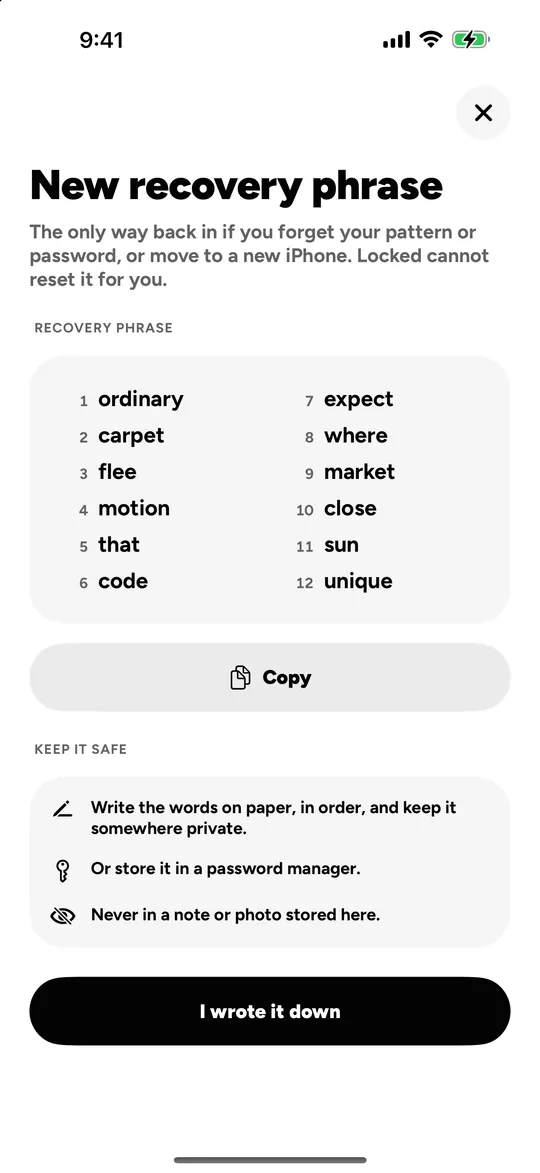
If you forget your secret, the 12 words Locked showed you when you made the vault open it again. Lose both, and nobody can open it: not you, not us.
Every algorithm, parameter and limit is on the security page
If someone takes your phone
What if someone makes you open it?
-
Every secret opens its own vault
Give a different pattern and a different vault opens. A pattern that opens nothing shows an empty vault that looks like a real one, not an error.
-
A duress vault
Choose one secret as the duress vault. Opening it erases the other vaults on this device and in iCloud. Locked Pro.
-
See who tried
Every pattern, password or recovery phrase that opens nothing is counted. With Locked Pro, a silent photo from the front camera too.
-
Blank screenshots
Screenshots and screen recordings of Locked come out blank.
-
Locks itself
Auto-lock closes the vault when you leave the app.
-
Another face on the Home Screen
4 icons for everyone, 12 disguise icons with Locked Pro.
A phone holds up to 16 vaults (3 without Locked Pro). Someone who can open one could count the rest by setting up new vaults until there is no room. Locked says so in the app, and so do we.
What we know about you
What does Locked know about you?
Next to nothing, and here is all of it, as the App Store privacy label states it.
- Account
- None. There is nothing to sign up for or sign in to.
- Usage analytics and crash reports
- None.
- Ads and tracking
- None. The App Store label reads “Data Used to Track You: none”.
- Purchases
- Purchase history, under a random ID, for purchase reporting through RevenueCat. Not linked to you.
- Your photos, videos, files and notes
- Encrypted on your device. With iCloud Sync, encrypted in your own iCloud Drive.
This website has no analytics either: no cookies, no trackers, nothing loaded from anywhere else. What the site does
Pricing
What does Locked cost?
Free
3 vaults and room for 101 photos, 10 videos, 10 files and 10 notes, shared across them. The encryption, decoy vaults and recovery phrase are the same on every plan.
Locked Pro
No item limits, up to 16 vaults, iCloud Sync, the duress vault, intruder photos and disguise icons. $0.99 a week, $19.99 a year with a 7-day free trial, or $39.99 once, with no subscription at all.
Questions
Questions people ask
Does Locked use Face ID?
No, by design. Face ID can open only one thing, so it would point at the vault that matters and give the others away. Each vault opens with its own pattern (at least 6 dots on a 5 × 5 grid) or password (at least 8 characters).
Is Locked free?
Locked is free to download and use with 3 vaults and room for 101 photos, 10 videos, 10 files and 10 notes. Locked Pro lifts those limits and adds iCloud Sync, the duress vault and intruder photos: $0.99 a week, $19.99 a year with a 7-day free trial, or $39.99 once.
What if I forget my pattern or password?
When you create a vault, Locked shows you 12 words. They open the vault again, on this device or a new one. Lose both the secret and the words and the vault cannot be opened by anyone, including us.
Can the people who make Locked see my photos?
No. Everything is encrypted on your device with keys made from your pattern or password, there is no account, and we have no copy of anything you keep.
Can I have more than one vault?
Yes. Every pattern or password opens its own vault, up to 16 (3 without Locked Pro). A pattern that opens nothing shows an empty vault rather than an error.
What does the duress vault do?
It is a vault you set up to be opened under pressure. Opening it erases the other vaults on this device and in iCloud. It needs Locked Pro.
Does Locked back up my vault?
With Locked Pro, iCloud Sync stores encrypted copies in your own iCloud Drive and keeps your other iPhone or iPad in step. Restoring a backup is free, so a backup is never held back if Pro ends.
Does Locked keep the location of my photos?
No. Location data is removed from photos when you import them.
Which devices does Locked run on?
iPhone and iPad with iOS 17 or later, in 14 languages. There is no Android version.
Does Locked have ads or tracking?
No ads, no tracking, no usage analytics and no crash reporting. The only data that reaches anyone but you is purchase history, under a random ID, so purchases can be restored and counted.
A vault only you can open.
Locked is coming to the App Store for iPhone and iPad. The download page will link to it the day it is out.
Coming soon